 ongames.cc">UltraGear 25G590B review" style="max-width:100%;border-radius:12px;margin-bottom:25px">
LG UltraGear 25G590B review
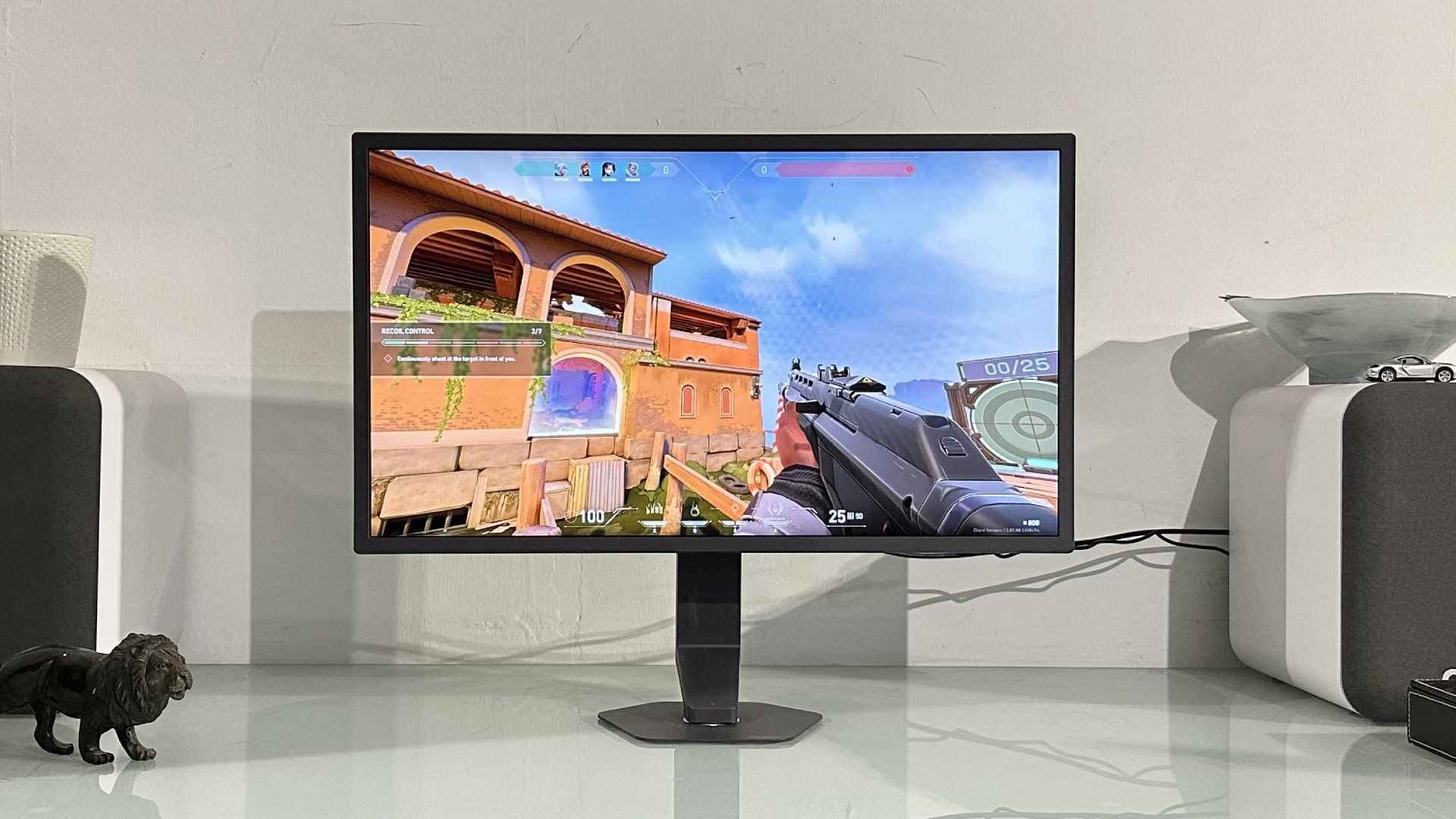
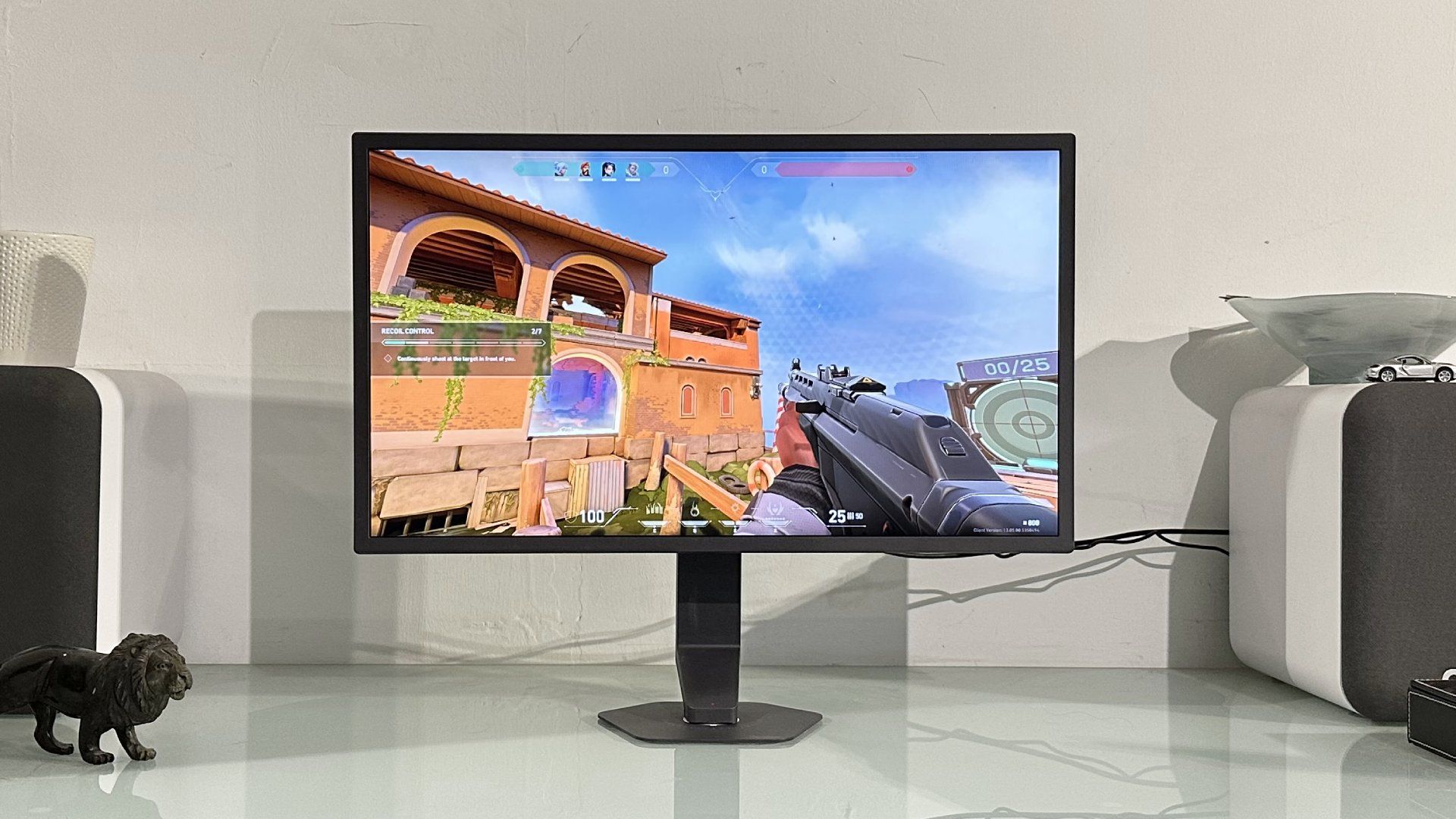
1,000 Hz. That’s 1,000 frames. Every. Single. Second. Welcome to the wild world of the new LG UltraGear 25G590B, the first ever 1,000 Hz gaming monitor.
Well, it’s the first gaming monitor capable of 1,000 Hz at full 1080p resolution, as opposed to displays hitting that kind of refresh rate at, say, 720p. The tempting immediate reaction, of course, is to doubt the relevance and benefit of something so fast.
I mean, at what point do diminishing returns kick in with this refresh rate stuff? You could argue that anything above 144 Hz is overkill for most gamers. That was a common view just a couple of years ago. And it’s certainly true that 144 Hz is enough for very smooth visuals and a good sense of immediacy and response.
|
Screen size |
25-inch |
|
Resolution |
1,920 x 1,080 |
|
Brightness |
400 nits |
|
Response time |
1 ms |
|
Refresh rate |
1,000 Hz @ 1080p (1,100 Hz overclock) |
|
HDR |
DisplayHDR 400 |
|
Features |
IPS panel, G-Sync, 2x HDMI, DisplayPort 2.1, 3.5mm audio |
|
Price |
Buy if…
✅ You’re an esports pro: The benefits of 1,000 Hz over, say, 500 Hz are marginal. But you might just benefit if you’re an esports god.
Do not buy if…
❌ You want a multi-purpose monitor: High refresh aside, this monitor falls short by just about every other metric compared with similarly-priced monitors.
But as the frame-rate ante has been upped in recent years, to 240 Hz, 260 Hz, 480 Hz and well beyond, that narrative has shifted. In fact, our resident competitive shooter, Jacob, is adamant that 360 Hz is the current sweetspot. Keen esports gamers, it turns out, really can feel the difference, especially in terms of latency, as the refresh rates ramp up. And so here we are in 2026, somewhat inevitably, with LG bursting through the 1,000 Hz barrier.
Aside from the headline refresh rate—the UltraGear 25G590B is actually capable of 1,100 Hz using an “overclock” mode—many of the rest of the spec list is, predictably, pretty pedestrian. That goes with the territory with this type of monitor.
So, we’re talking 25-inch panel size and IPS technology. Brightness comes in at 400 nits, contrast is a mere 1,000 to 1 and there’s only the most basic DisplayHDR 400 certification. So, this panel will decode an HDR signal, but it can’t really render HDR visuals.
Again, all of that is expected in this class of gaming panel. It’s not about high-DPI visuals or OLED-style per-pixel lighting. It’s all about speed. Actually, it’s primarily about one aspect of speed: latency. The other major metric of speed, pixel response, isn’t such an obvious win for theUltraGear 25G590B.
LG has rated it at 1 ms for the most often quoted grey-to-grey transition. That’s pretty quick for an IPS monitor, but not actually exceptional. Not when there are 0.5 ms LCD-based monitor models knocking around, never mind the OLED crew which all clock in at a mere 0.03 ms.
That’s something of a surprise given the absolutely cutting-edge refresh rate. On paper, the 1 ms response perfectly matches the 1,000 Hz refresh. But then measures of pixel speed are infamously mercurial. There isn’t actually an enforced, or even widely agreed upon metric for pixel response in the monitor industry. So, response ratings are really only ever a rough guide.
Anyway, connectivity includes two HDMI ports and a single DisplayPort input. Only the DisplayPort interface is capable of the full 1,000 Hz refresh and it’s critical to note that you need a GPU that supports the latest Displayport 2.1 standard. DisplayPort 1.4 is only good for 850 Hz at 1080p.
In practice, that means for the full 1,000 Hz you need AMD GPUs from the Radeon RX 7000 series of 2022 onwards, while in Nvidia terms only the latest RTX 50-series chips will do. There are other system spec and configuration issues that you’ll also want to consider if you’re thinking about dropping a grand on a monitor this fast. But hold that thought, we’ll come back to it.
What is a 1,000 Hz monitor actually like to game with? It turns out, that poses quite the conundrum.
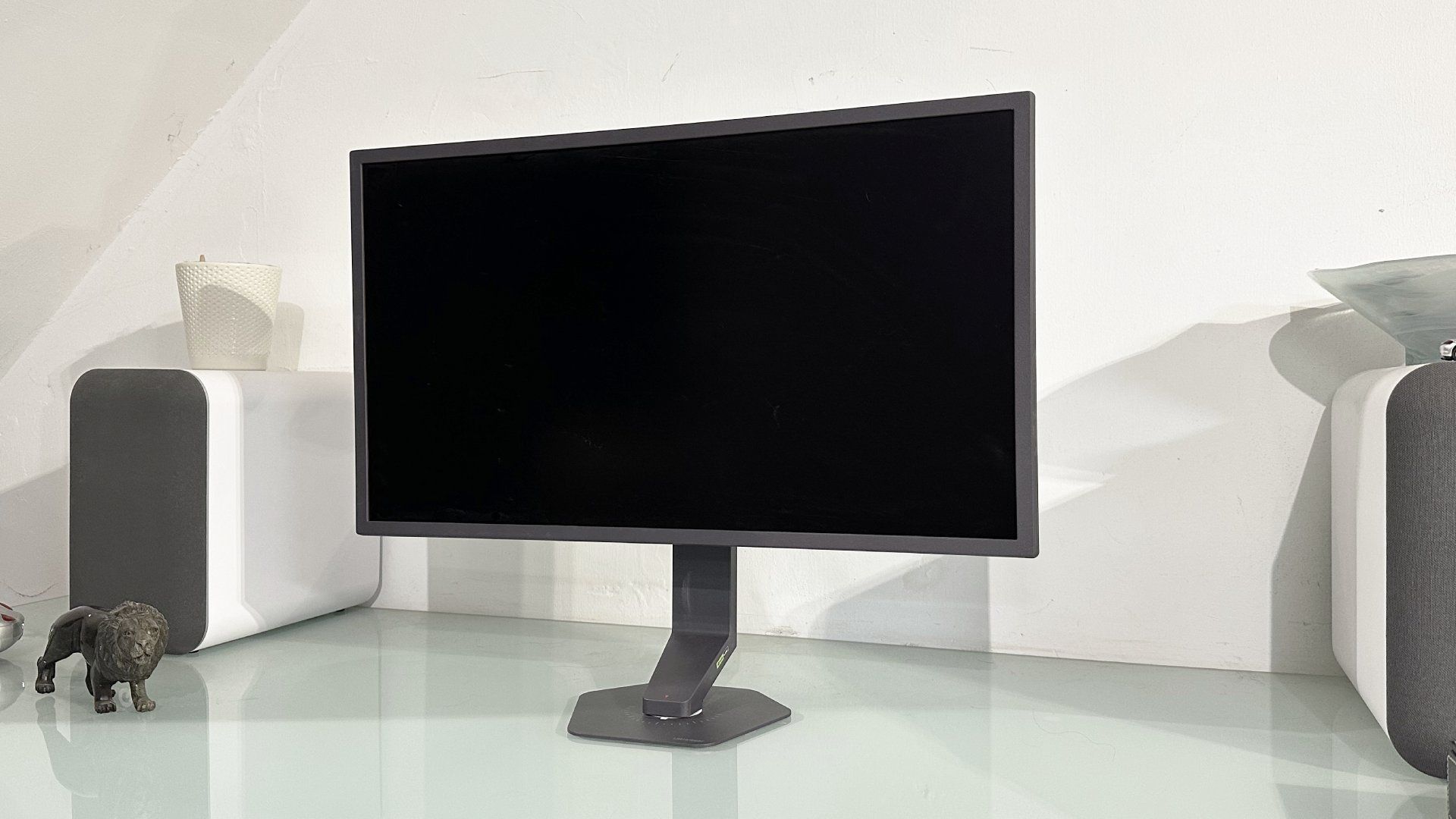
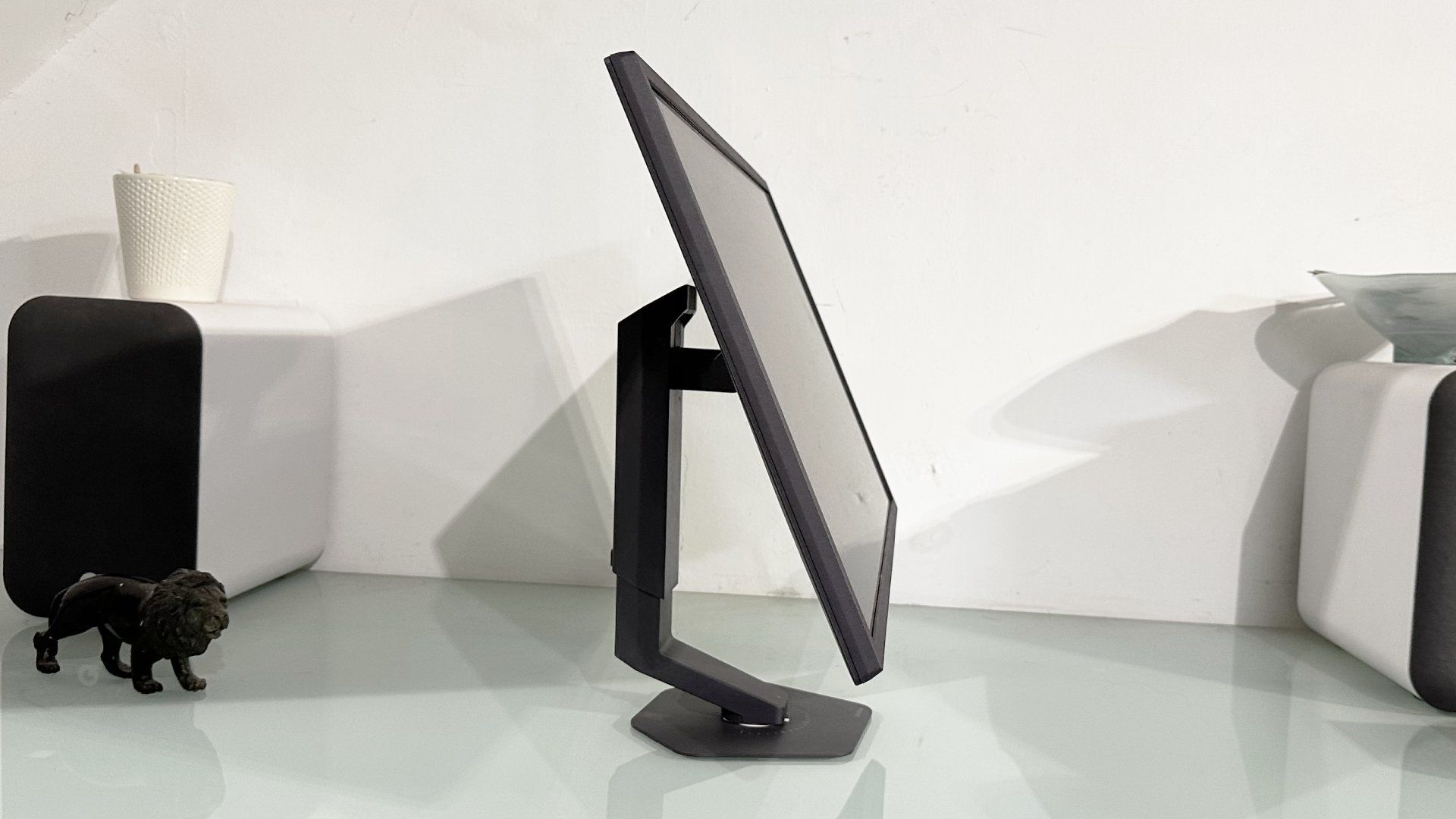
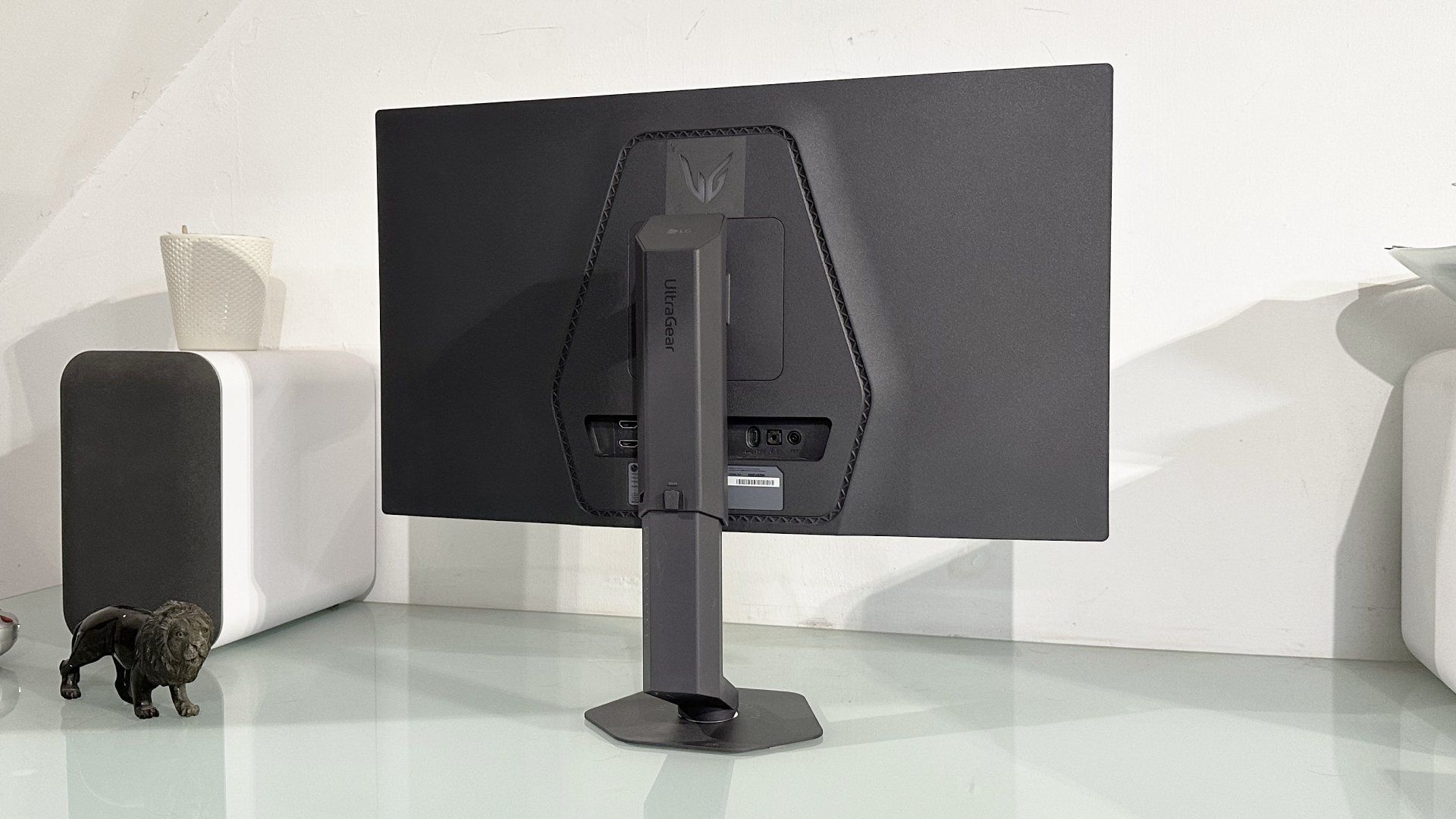
Just to round out the speeds and feeds, further features include FreeSync and G-Sync support, Motion Blur Reduction Tech and small dash of configurable RGB lighting via the logo on the rear of the chassis. It’s all housed in a pretty anonymous looking dark grey plastic chassis with fairly chunky bezels. But you do get a full complement of adjustment, including tilt, height, swivel and a touch of pivot, so it’s easy to get this display set up just so.
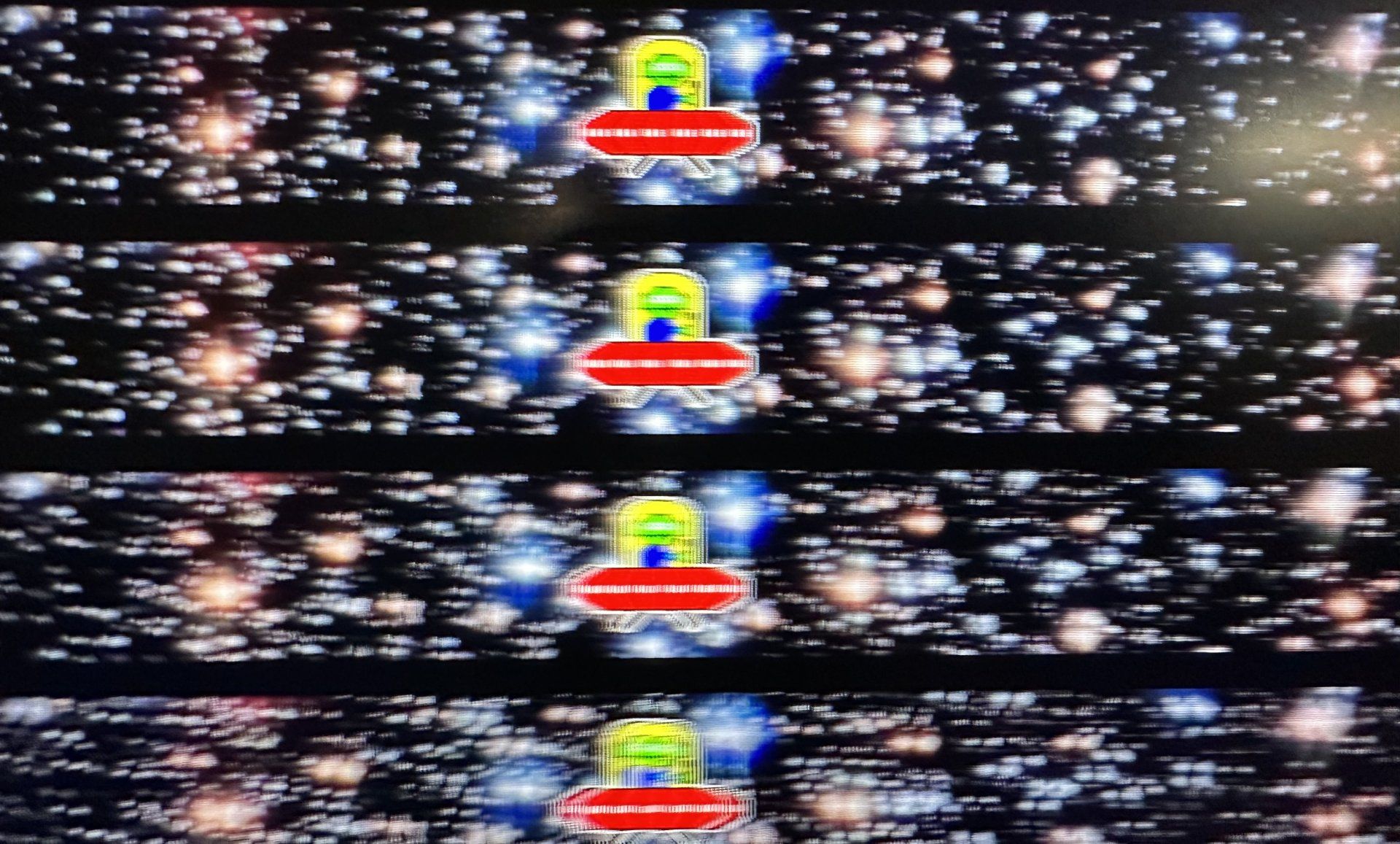
All of which brings us to the most important question of the day. What is a 1,000 Hz monitor actually like to game with? It turns out, that poses quite the conundrum. Initially, it’s easy enough to get a basic impression of the impact of 1,000 Hz on motion clarity. All you need do is load up something like UFO Test and watch those little flying saucers zip by at multiple different refresh rates.
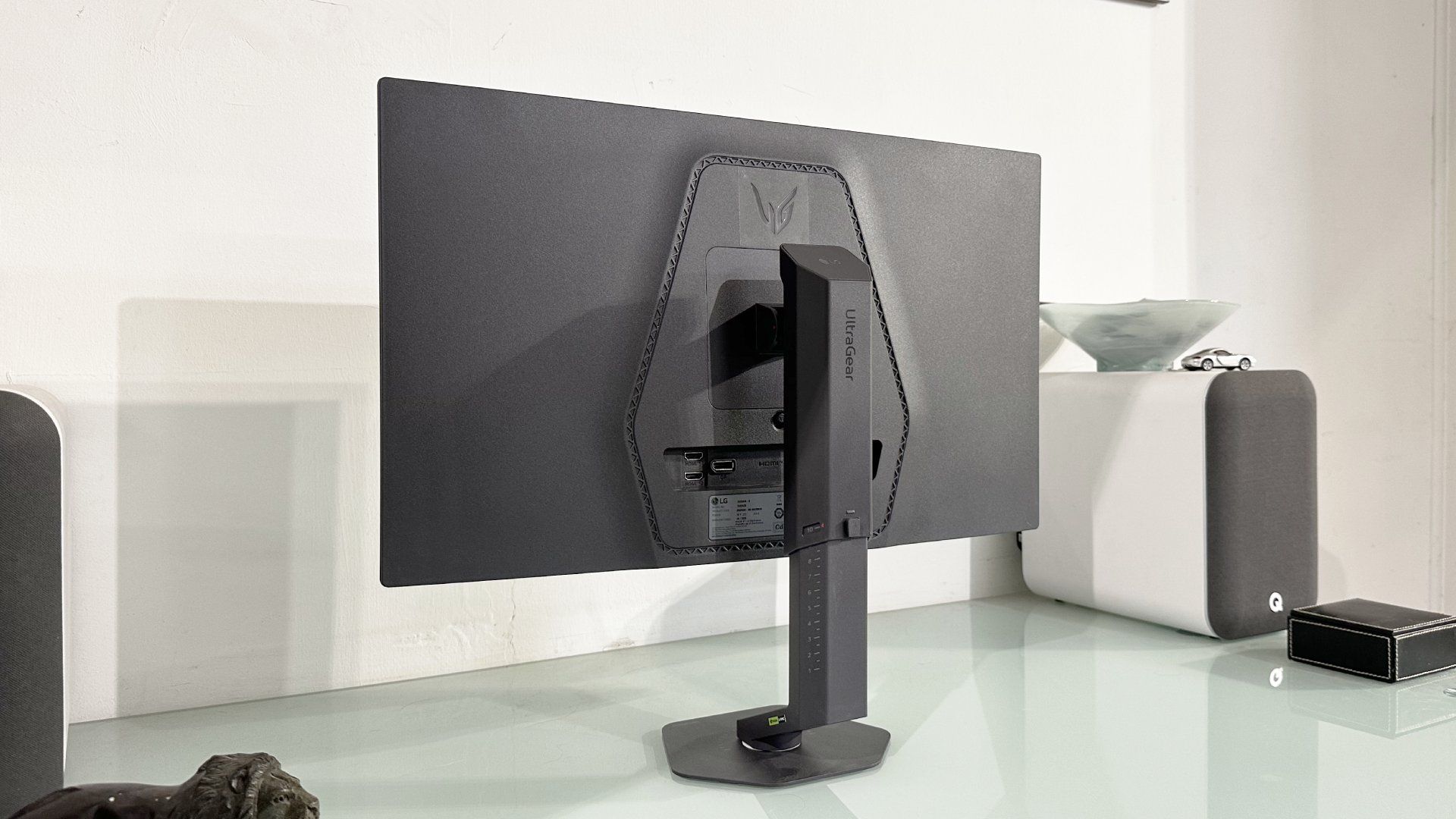
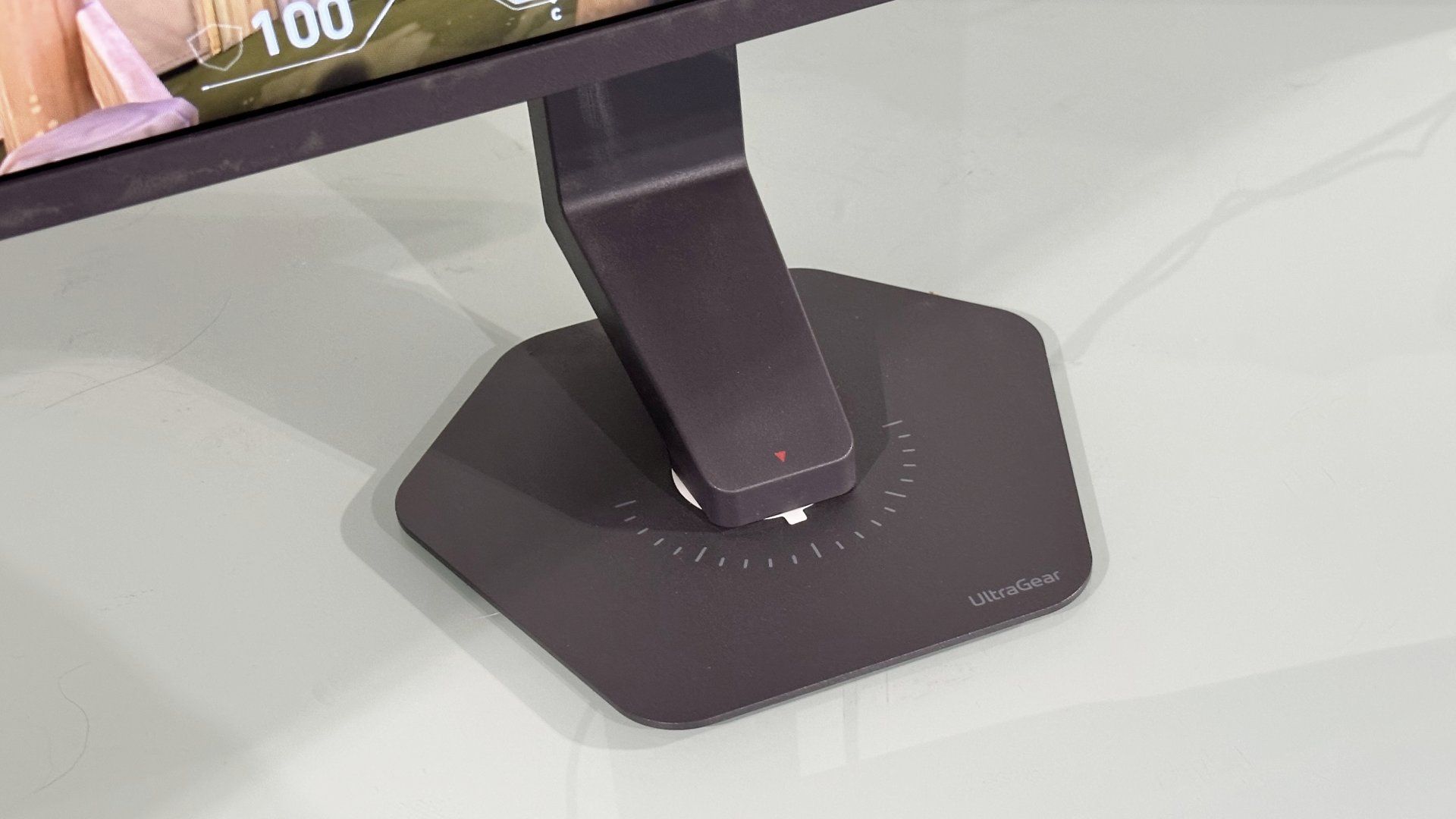
And you know what? The benefits in terms of motion clarity do keep on coming, even as you climb beyond 500 Hz. Yup, 1,000 Hz is noticeably better, at least in that narrow, rather synthetic metric, when it comes to clarity.
But what about in-game motion clarity and, perhaps more importantly, latency? That’s where the trouble comes. Because it’s quite hard to achieve the 1,000 fps required to saturate the 1,000 Hz refresh actually in a game.
By way of example you cannot, to the best of my knowledge, achieve it in Counter-Strike 2, the CPU ends up bottlenecking performance long before that. Well, strictly speaking you can get that high, somebody managed 1,300 fps, but that was with an Intel Core i9 chip overclocked to 8 GHz courtesy of liquid nitrogen. Not exactly practical.
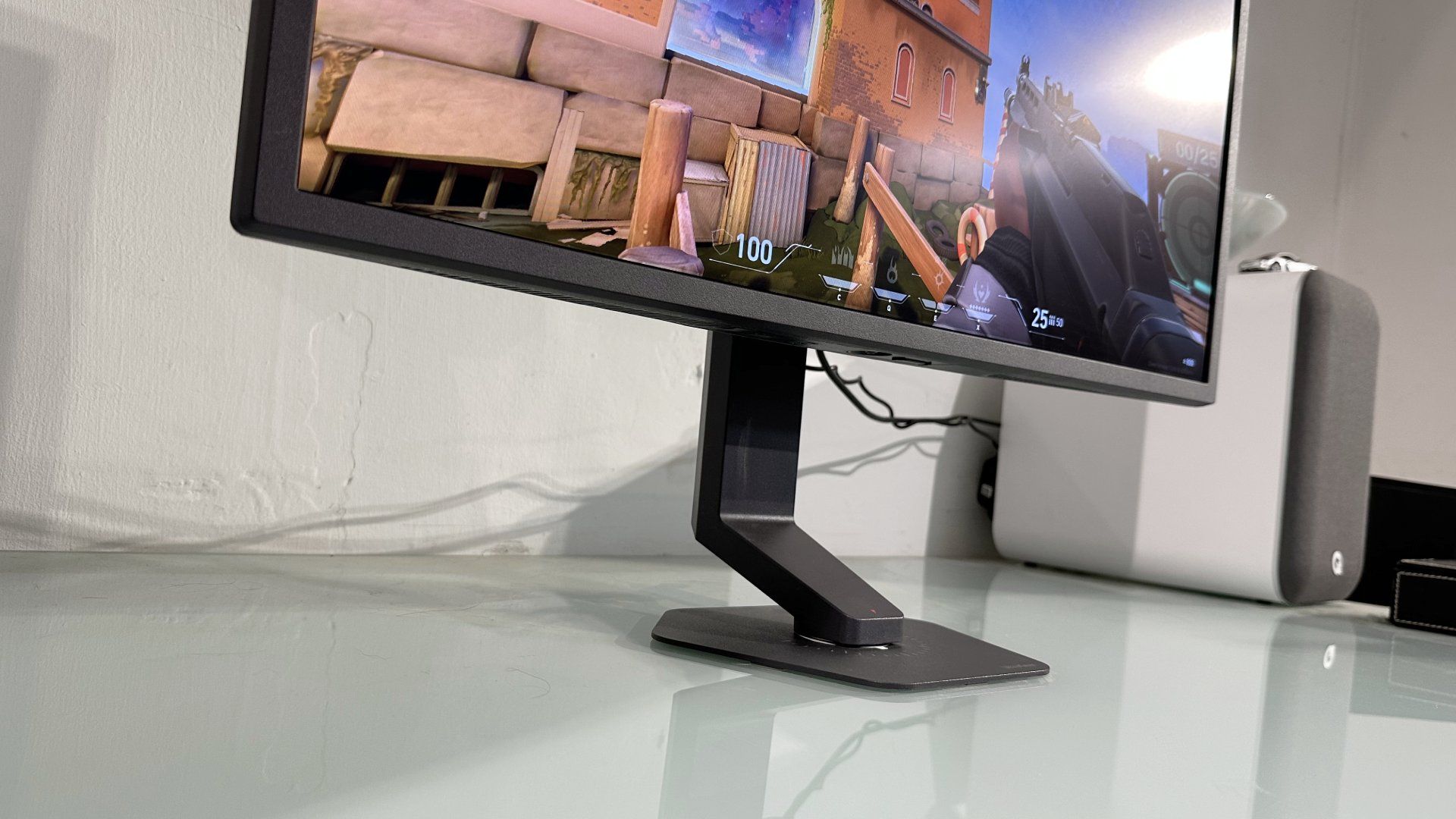
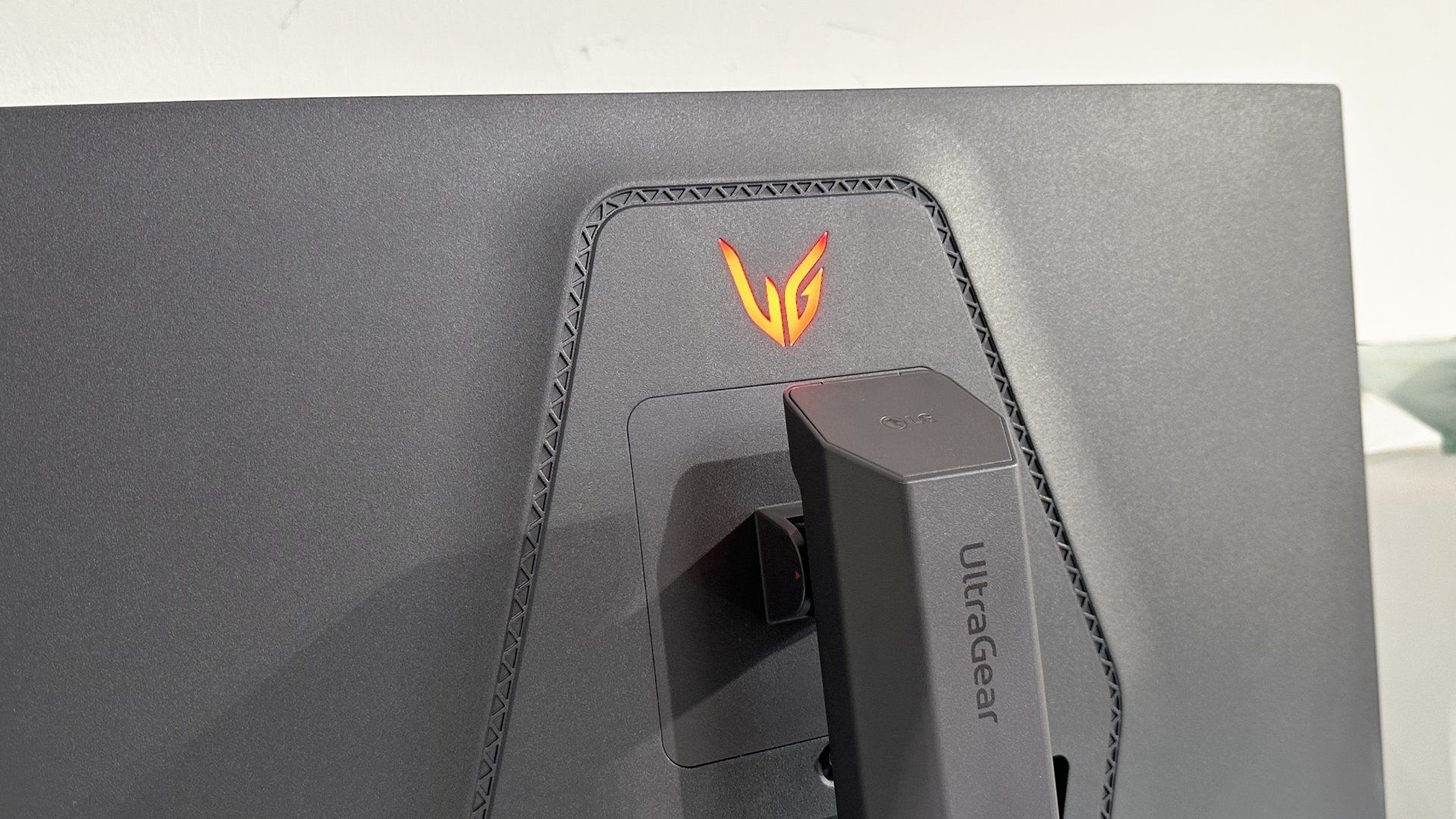
Something like an AMD Ryzen 7 9800X3D is probably the fastest stock-clocked CPU for running Counter-Strike. And that’s good for about 600-odd fps at medium 1080p settings. I was getting in the high 400s with an Intel 14th Gen Core i9-based rig. So, yeah Counter-Strike 2 wasn’t cutting it.
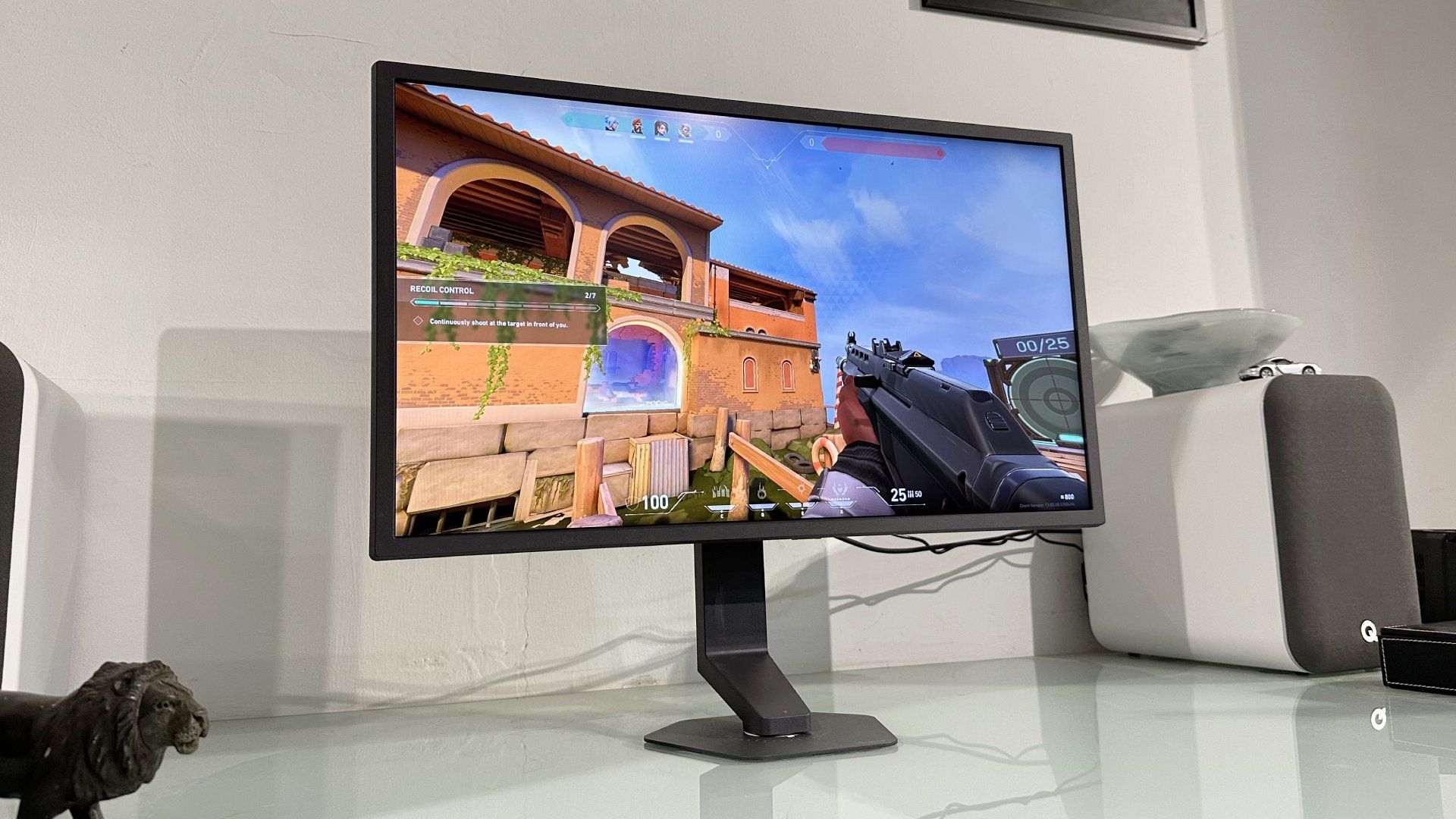
But there are other games which run fast. And that’s how I found myself installing Valorant. The things I do for you people. But even Valorant wasn’t giving me 1,000fps, more like 500 to 800 fps depending on how much is going on, on screen.
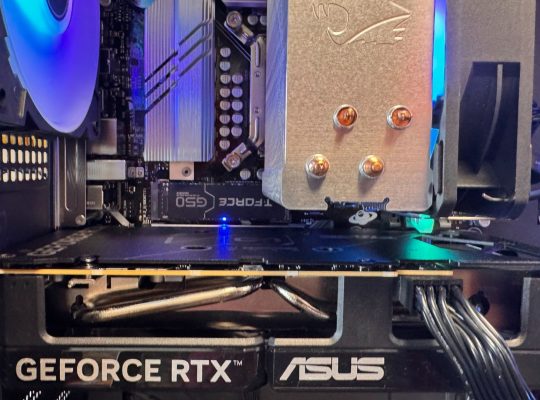
Actually, using this monitor raises a whole lot of questions about your rig and game engine setup. For instance, you want a mouse with a fast polling rate, but not too fast. An 8,000 Hz polling rate just saturates the CPU with hardware interrupts to no benefit.
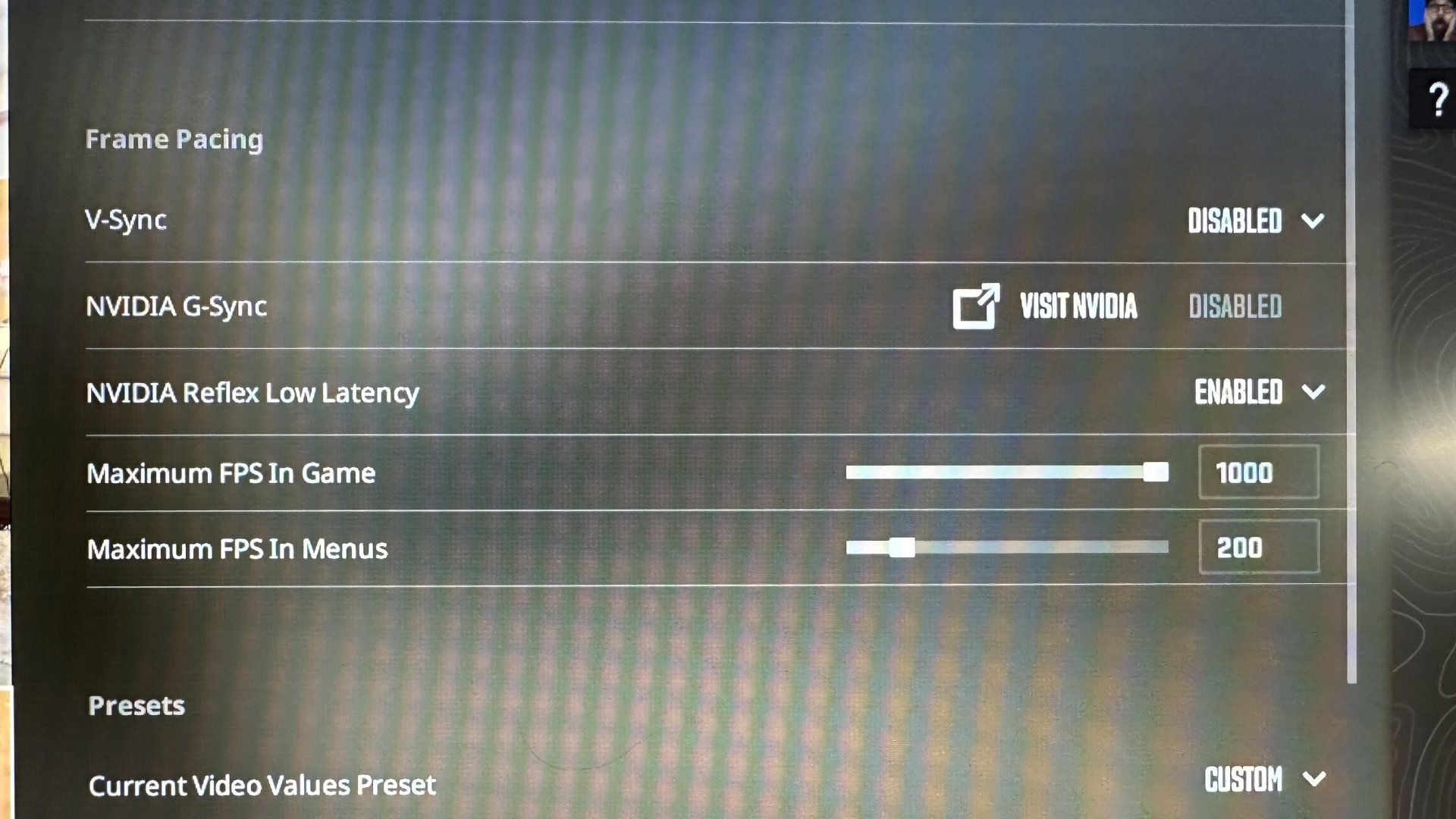
Suddenly, everything from CPU cooling and memory timings, to enabling features like Nvidia Reflex become critical to eeking out every frame and minimising latency.
Suddenly, everything from CPU cooling and memory timings, to enabling features like Nvidia Reflex become critical to eeking out every frame and minimising latency. Actually seeing the full 1,000 Hz in-game, though? That is far from straight forward even with titles where it may be theoretically possible.
With those provisos noted, what is 1,000 fps gaming, or as close as I could get to it, like? The immediate impression isn’t exactly mind blowing. It doesn’t look dramatically clearer or feel dramatically more responsive than, say, a 480 Hz panel.
But there is a subtle difference and the more you game, the more you key into it. I’m not sure the motion clarity advantage, such that it is, is really a major factor in that, however. Maybe a 1,000 Hz OLED panel would be different. But I think in subjective terms, motion clarity above 500 Hz on an LCD is likely a case of diminishing returns.
I think that applies doubly to a monitor like this that uses an IPS panel. It’s a legitimate question to ask if the liquid crystals in this monitor are actually fast enough to fully deliver on the 1,000 Hz promise in terms of pixel response. Like I said, LCD response specs should be viewed with some healthy scepticism. And this monitor doesn’t even claim to have the fastest IPS panel out there.
For the record, I’m not much of a fan of the Motion Blur Reduction feature, either, which is basically a backlight strobing solution. It dims the brightness and doesn’t give much visible benefit at higher refresh rates. It is a bit more impressive at lower refresh rates, but then running at 120 Hz is not why you just spent so much money on this monitor.
You feel hard-wired right into the game engine, any and all sense of disconnection falls away. It’s pretty cool.
The latency, however, now that’s a little different. The sheer speed and immediacy as you whip your mouse around to the next target definitely gets under your skin. The more you play, the more you feel hard-wired right into the game engine, any and all sense of disconnection falls away. It’s pretty cool.
Reverting to a lower refresh rate makes that a touch more obvious. Put it this way, once you’ve played for a while on a monitor that can respond fast enough for a game engine knocking out 700, 800, 900 fps and beyond, a 360 Hz panel feels like a tiny bit of a retrograde step. Maybe, just maybe even a 500 Hz display, too.
All that said, I also don’t want to overstate the upside. You’d readjust to that “sluggish” 500 Hz monitor pretty quickly. And we are talking about very marginal benefits at best. Ultimately, then, this is going to come down to how serious you are about competition in games and esports.
In part that’s because this monitor is pretty rough for everything else. Once upon a time, widescreen 1080p-ish monitors like this felt huge and futuristic. Anyone who was around when the Dell 2405FPW launched in 2005 will remember how awesome that panel was. Well, 20-odd years later, a 1080p 25-inch monitor now looks small and very pixellated.
The colours are fine, ditto the viewing angles. But this monitor is $999 / £899 and at that price point, you have so very many options. Heck, the monumental new 39-inch Alienware 5K2K RGB-stripe OLED I reviewed recently isn’t really much more expensive.
Of course, the LG UltraGear 25G590B is unambiguously targeted at a very narrow niche of the most serious and committed esports fans and pro players. A 39-inch ultrawide OLED really isn’t relevant. On the other hand, a 27-inch 1440p OLED probably is. That would mean a bit of a compromise on frame rate, but also a monitor that’s a much better all-rounder for both gaming and general computing.
Indeed, it’s a little hard to understand just where the money is going with this 1,000 Hz LG. Peruse our best monitor deals page and you’ll find high-refresh 25-inch 1080p IPS monitors from about $100. There’s an Alienware model with 320 Hz refresh for just $199. Yes, this LG will need extra driver ICs, a custom TCON, that DisplayPort 2.1 interface, a quick backlight driver for the Motion Blur Reduction feature. But none of those are hugely costly.
Ultimately, then, there’s a pretty big tax being applied here in return for being at the very cutting edge in terms of refresh rate. If you want the absolute last word in frame rates and low latency, this is unambiguously it for now. If you’re a pro esports gamer, for instance, the broader context of the monitor market really doesn’t matter. For everyone else, you have to think there’s better value elsewhere.